Fixing Blank Link Previews From Slackbot and LinkedInBot on JavaScript Apps
Someone pastes a link to your new feature page into Slack. Instead of a card with the headline and a screenshot, the preview shows your app’s generic title and the default logo. Or nothing at all. The same thing happens on LinkedIn, on X, in a Discord channel. The page itself is fine. The preview is wrong because of where the tags live.
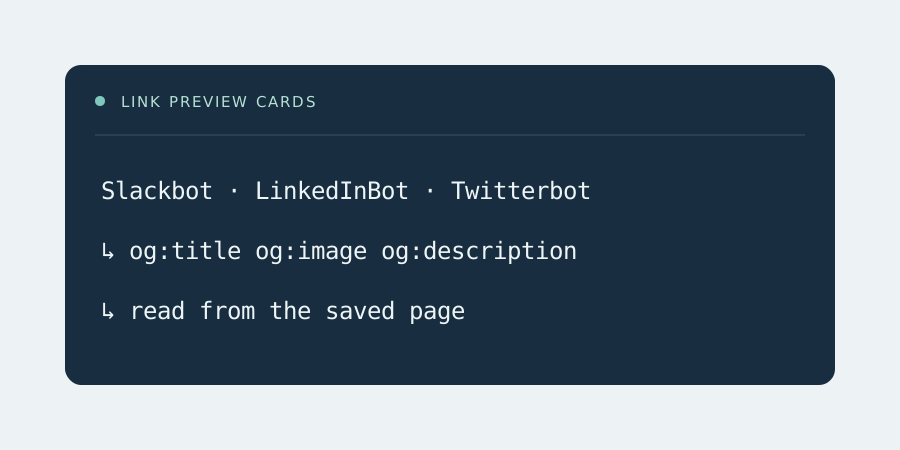
Most JavaScript apps set their Open Graph and Twitter card tags at runtime. Libraries like React Helmet and Vue Meta write og:title, og:image and og:description into the head after the app boots. The bots that build link previews don’t boot the app. Slackbot, LinkedInBot, Twitterbot, facebookexternalhit and Discordbot fetch the HTML, read the head, and leave. What they read is the static index.html that every route shares.
So every page on the site produces the same card. For a docs site that’s a nuisance. For a marketing team sharing launch pages, a job board, or a marketplace where every listing is shared by its seller, it’s a real cost. A card with the right image gets clicked. A blank one gets scrolled past.
Where RenderCache fits
All five of those preview bots are in RenderCache’s default crawler list. When one of them asks for a page that has a snapshot, it gets the rendered document, head included. The tags your app wrote at runtime are now in the HTML the bot reads. Capture removes scripts and inline event handlers from the saved page but keeps the page metadata, so the og: and twitter: tags come through intact.
The catch with previews is timing. A preview bot usually fetches a page the moment someone shares it, and often only once. If the page has never been rendered, RenderCache proxies that first request to the origin and queues a render in the background. It does not hold the bot while Chrome starts. The bot gets the empty shell, builds the wrong card, and may cache that card for days.
That’s why sitemap warming matters more here than anywhere. Every page in sitemap.xml gets rendered before anyone shares it. A launch page that goes into the sitemap at deploy time is already warm when the announcement goes out. For pages outside the sitemap, the protected purge endpoint queues a render for a single URL, so a publish hook can warm a new listing as soon as it goes live.
Things to get right in the app
RenderCache doesn’t rewrite your tags. It saves what your app produced when Chrome loaded it from the configured origin. Two consequences follow.
og:image and og:url need to be absolute URLs on your public domain. If the app builds them from window.location, Chrome sees the origin address RenderCache renders from, and that address ends up in the card. Set the public base URL in the app’s own config and build the tags from that.
The preview image itself is an ordinary asset. RenderCache doesn’t touch asset requests, so the bot fetches the image straight from your server or CDN, and it has to be publicly reachable.
Other preview bots can be added. WhatsApp and Telegram fetch previews too, each with its own user agent. The bots setting is a plain list of case-insensitive substrings, so adding one is a config change and a restart. Keep the nginx or Worker routing list in step with it.
Checking a card
After warming, curl -A Slackbot against a page should come back with X-RenderCache: HIT and the right og:title in the head. The admin page lists every crawler delivery with its user-agent pattern, path, status and whether full snapshot HTML went out. That’s how you tell a page that was served warm from one that went out cold.
Each network also has its own preview inspector, and those are the final word on what the card looks like. Run one after warming. Some of them cache aggressively and need a re-scrape before they show the new card. The how it works page has more on cold and warm requests.