AI Crawlers Like GPTBot and ClaudeBot See an Empty Shell on JavaScript Sites
Take a developer docs site built with a JavaScript framework. Every page is a route in one app, and the content loads from Markdown files after the app starts. Search works. The pages look right. Then someone on the team asks an AI assistant about their own API and gets an answer that’s a year out of date, or a shrug.
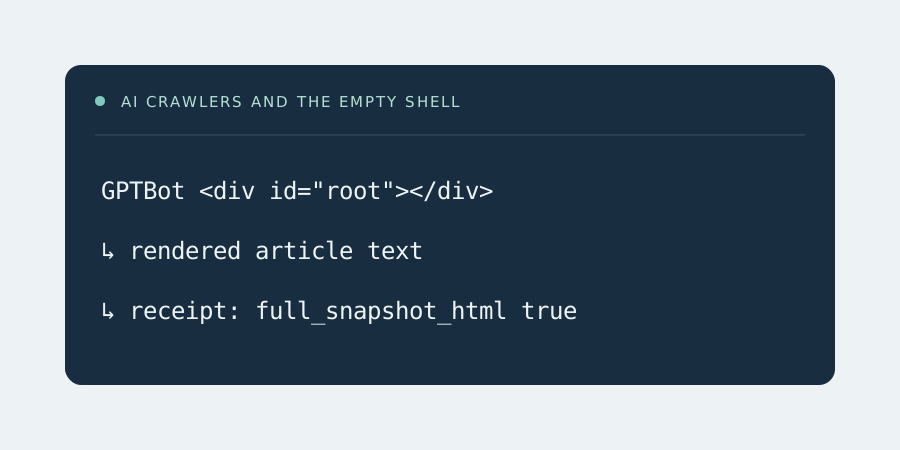
One likely reason is in the server logs. GPTBot, ClaudeBot, PerplexityBot and the other AI crawlers have been fetching those pages for months. What they received was the app shell: a title, a script tag and an empty container. Most of these crawlers read the HTML they’re given and don’t run the JavaScript, so a page whose text only exists after rendering looks blank to them. Their capabilities differ and they change, but on a client-rendered site the safe assumption is that the words aren’t reaching them.
This is the gap the RenderCache README opens with, and the AI crawlers are well covered in its default list. GPTBot, OAI-SearchBot and ChatGPT-User. ClaudeBot, Claude-SearchBot and Claude-User. PerplexityBot and Perplexity-User. Meta-ExternalAgent, Bytespider, Amazonbot and CCBot. The -User agents are the ones that fetch a page live because someone asked a question about it, so a cold miss there is a missed answer.
Serving them the words
The docs site keeps its framework. RenderCache sits in front, reads the sitemap and renders every page once in headless Chrome. A ready_selector on the element that holds the rendered article stops Chrome capturing the page before the Markdown has loaded. The snapshot goes to disk, and the next AI crawler that asks for that page gets the finished HTML with X-RenderCache: HIT. Readers in a browser still get the normal app, with nothing added to their load.
Docs change with every release, so freshness matters. A deploy hook can send changed URLs to the purge endpoint, and each one gets re-rendered while the previous copy keeps serving. Pages that aren’t touched refresh on the warm_interval schedule.
Seeing what they actually got
The part that’s usually missing is evidence. Server logs say a request came in with GPTBot in the user agent. They don’t say whether that request got an empty shell, a cached page or a 304.
RenderCache writes a receipt for every recognized crawler request. Each one records the crawler pattern that matched, the path, the method, the status, HIT, STALE, MISS or BYPASS, the snapshot’s age and how many body bytes went out. A separate full_snapshot_html field is true only when a complete rendered page was written in a successful GET. A HEAD request, a 304 or a cut-off write doesn’t count. After a week, the docs team can see which pages the AI crawlers asked for and whether each one went out warm.
What a receipt can’t tell you matters just as much. A user agent is a claim anyone can send. A delivered page doesn’t mean the crawler read it, kept it, or will ever cite it. RenderCache makes the content available and records the write. The rest belongs to whoever runs the crawler.
Who’s allowed in is still your call
RenderCache doesn’t change access. If robots.txt or an edge rule blocks a crawler today, it stays blocked. Taking a crawler out of the bots list doesn’t block it either. It just means that crawler gets the same raw shell as before. Decide who’s welcome first, then make sure the ones you’ve let in get the actual page. The FAQ covers the limits in more detail, and the demo shows a real capture where the raw HTML has 0 words and the rendered page has 15.